How to Fix AI Video Hallucinations Using Hybrid Cinematography
- Hybrid cinematography combines traditional planning with generative video tools.
- The workflow targets common AI errors known as hallucinations.
- Previsualization reduces the need for expensive, repeat generative work.
- The findings originate from an arXiv preprint and remain unverified by peer review.
How to maintain AI video consistency?
Hybrid cinematography pairs traditional visual planning with generative video tools to curb errors. Researchers published a preprint on October 8, 2026, detailing how pre-planning specific visual constraints prevents AI from drifting into nonsensical imagery. By setting clear boundaries before hitting generate, filmmakers can manage the common issue of visual hallucinations during reshoots. This approach aims to make AI tools more predictable for professional projects. It shifts the focus from purely random generation to a controlled, planned workflow.
Why combine generative video tools with traditional planning?
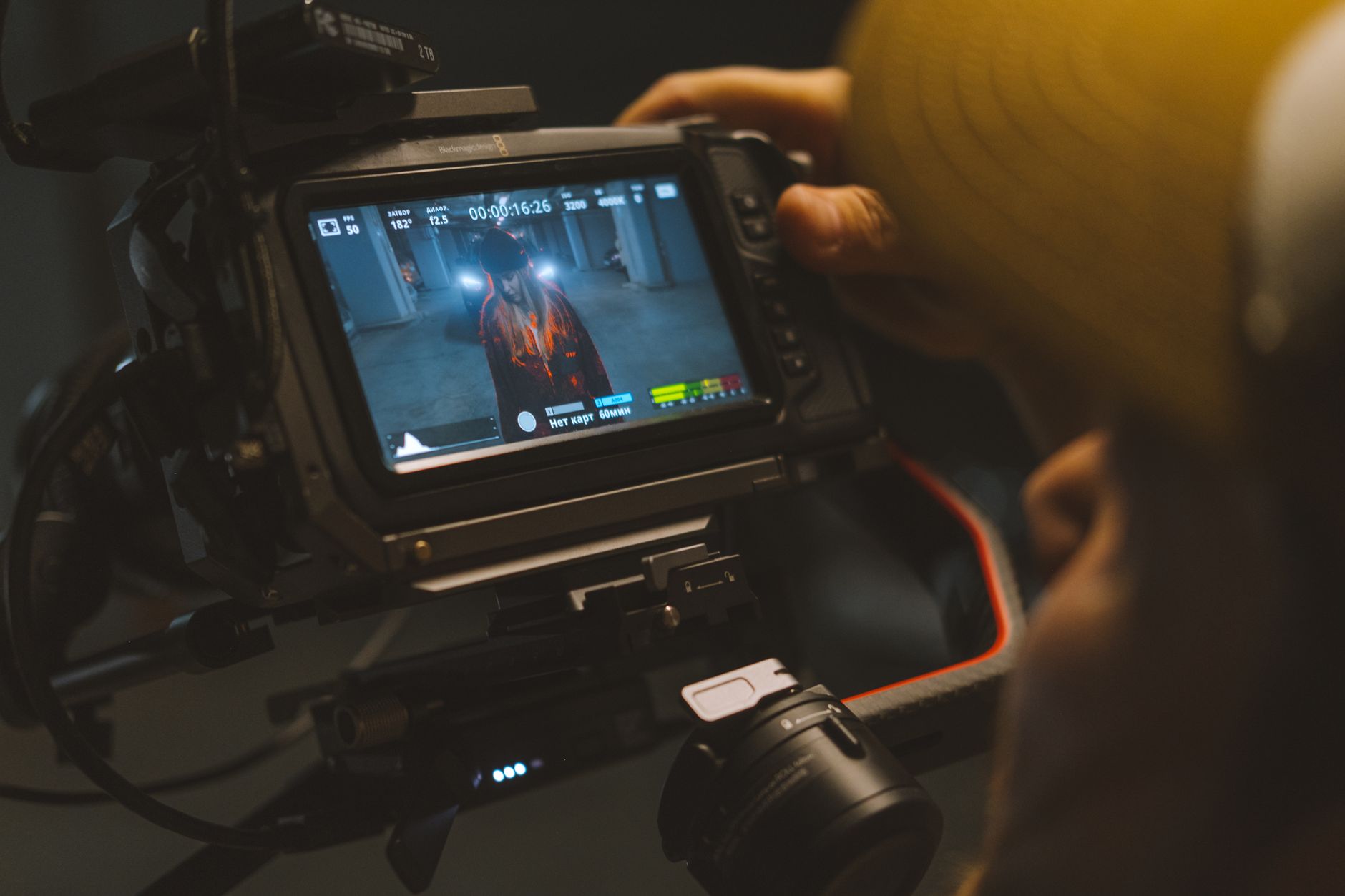
The study outlines a framework where cinematographers create a blueprint before prompting the AI. By feeding the system specific spatial data or frame-by-frame sketches, the model stays within the intended creative bounds. The researchers describe this as a way to “constrain generative output to maintain narrative consistency.” It is a shift away from guessing what the AI will produce. Instead, you guide the machine toward the desired result from the start.
What is a hybrid cinematography workflow?
This paper is a preprint and has not undergone peer review. Readers should treat these findings as preliminary data rather than established industry standards. Correlation between pre-planning and lower error rates does not prove that this method will work in every production environment. You should check the official arXiv page for future updates or revisions to the methodology. The specific testing conditions are described within the source text for those who want to examine the technical execution.
How does visual planning for AI prevent errors?
For independent creators, this means fewer wasted cycles on bad AI renders. You save time by planning shots rather than repeatedly asking the AI to fix mistakes after they appear. It allows you to treat generative video as a tool for completion rather than a tool for discovery. If you find yourself frustrated by AI adding random objects or warping faces, this structured planning might be the missing piece. It creates a bridge between your creative vision and the model's output.
The Future of Hybrid AI Video Production
The next step for this technology is testing on larger, more complex datasets. Researchers will likely look at how different models handle these constraints under varied cinematic styles. You should keep an eye on how these frameworks evolve as new versions of video generation models hit the market. There is no set timeline for when this might become a standard toolset for professional software. For now, it remains a technique for early adopters to experiment with in their own workflows.
- Hybrid Cinematography: Previsualizing and Managing Hallucination Risk in Generative Video Reshooting — arXiv, Oct 8, 2026
- Hybrid Cinematography: Previsualizing and Managing Hallucination Risk in Generative Video Reshooting — arXiv, Oct 8, 2026
Add NewsPulse Time as a preferred source on Google
Frequently asked questions
AI video hallucinations occur when generative models lose temporal coherence or misinterpret prompt data, resulting in morphing objects, inconsistent lighting, or illogical visual artifacts.
A hybrid workflow integrates traditional cinematography techniques—such as storyboarding, asset locking, and manual keyframing—with generative tools to provide structural constraints that guide the AI's output.
While pre-planning cannot eliminate all artifacts, it significantly reduces them by establishing rigid visual constraints and narrative guardrails, preventing the AI from drifting during the generation process.